Spatial shopping through a new dimension
From 2D Browsing to Immersive Reality on the Meta Quest 3
Role:
Mixed Reality Design
Client:
Meta
Company:
SoftServe
Date:
December, 2024
Involvement time:
3 months
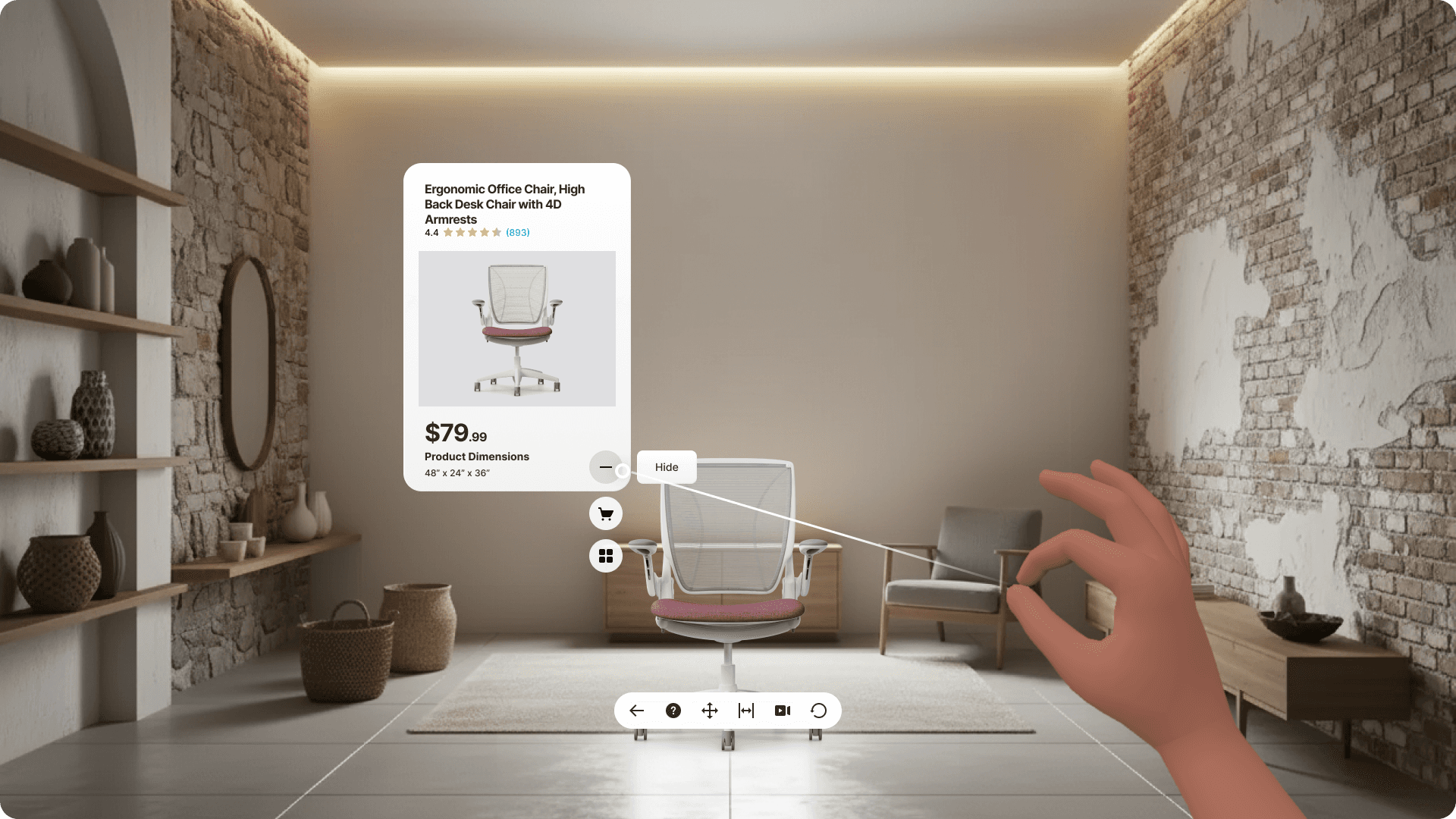
For this project, we took on the challenge of moving a traditional "View in Your Room" (ViYR) mobile feature into the world of fully immersive Mixed Reality (MR) for the Meta Quest 3.
This wasn't just about porting an existing tool; it was about reimagining how users gain "Spatial Trust" when shopping for high-value items, mostly furniture, in a completely hands-first, browser-based environment.

Research Process
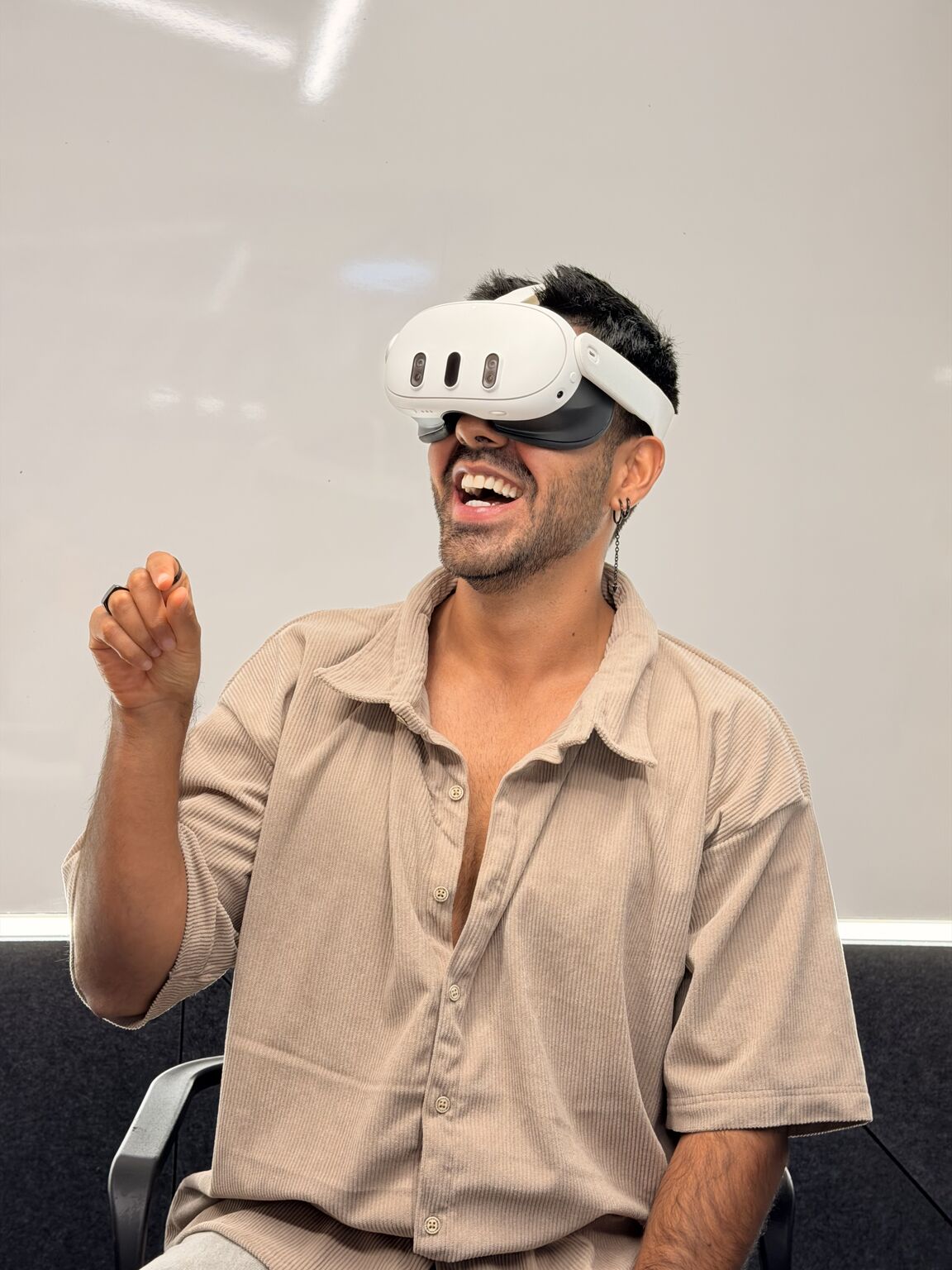
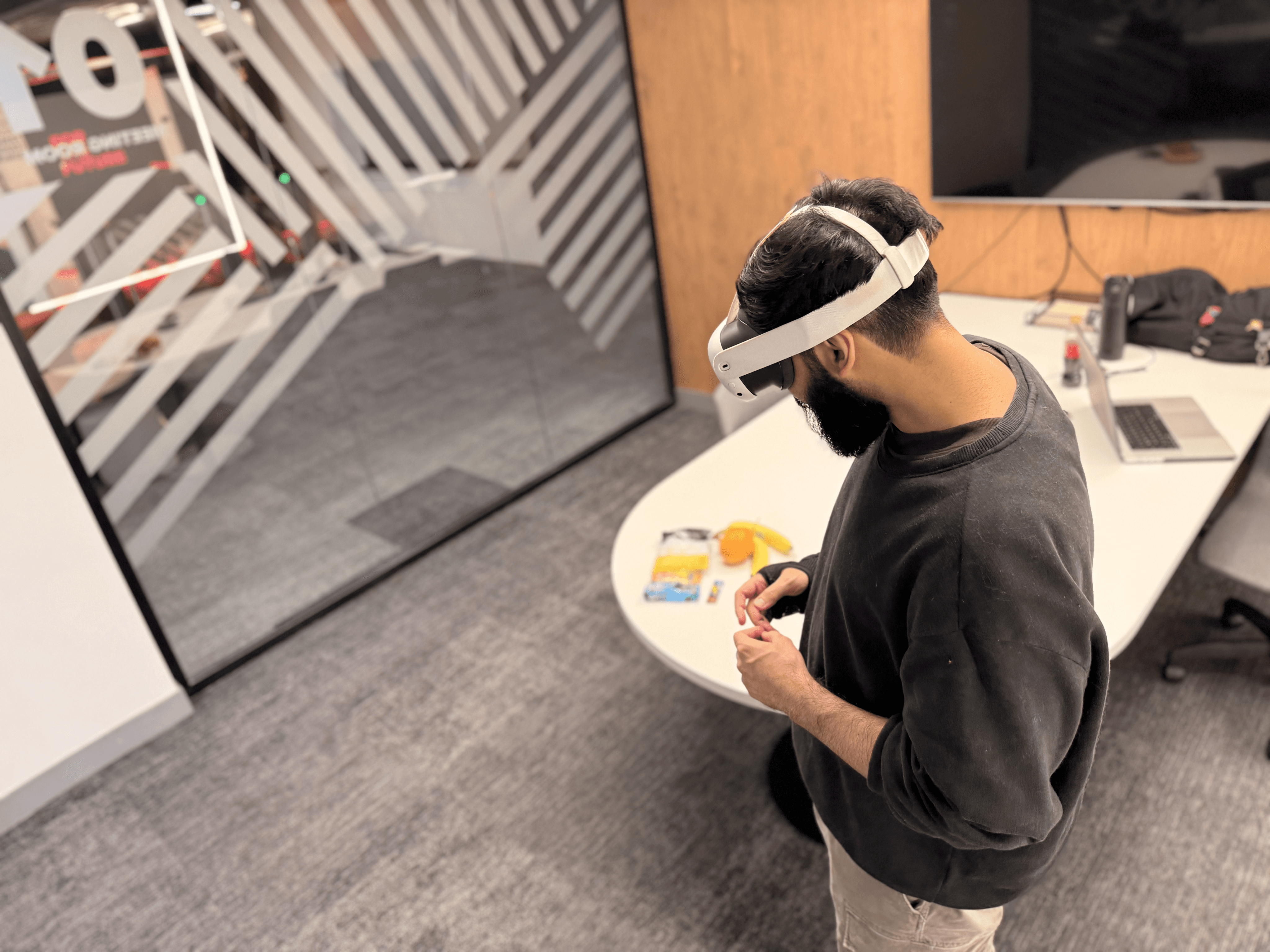
Everything started with a deep dive into the mental models of users transitioning from phone screens to headsets. I led qualitative, face-to-face user testing with a diverse group—ranging from tech-savvy enthusiasts to users with zero XR experience.
We didn't just test the "happy path." We pushed the boundaries by testing under extreme conditions: low lighting, one-handed interactions, and both sitting and standing positions. The goal was to identify where the friction was; whether it was hand-tracking loss or the physical strain of long-duration gestures. This "on-the-ground" analysis was crucial for defining our "Comfort First" and "Forgiving Interaction" principles.
The Interaction Model
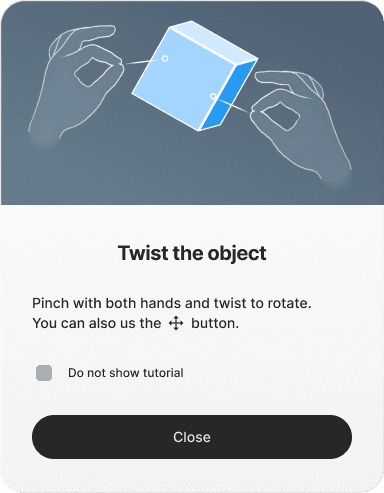
Designing for the Quest 3 meant abandoning the safety of touchscreens. We developed a "Gesture Vocabulary" that prioritized natural, intuitive movements over complex controllers. We focused on four core pillars:
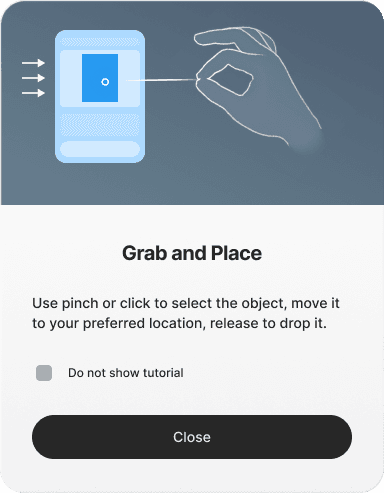
Pinch (Select): The primary digital click.
Grab & Drag: A physical mapping of moving objects in the real world.
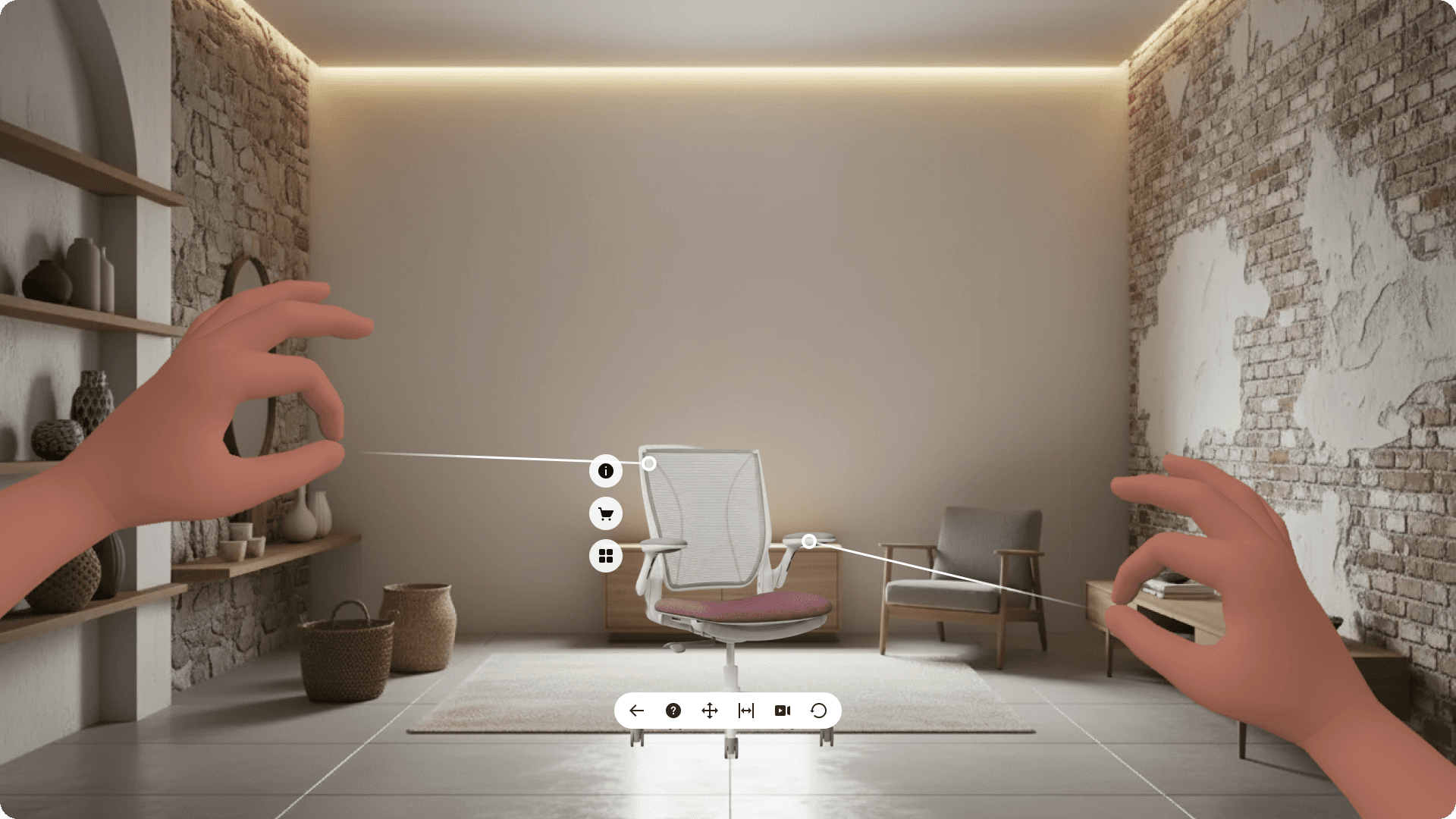
Two-Hand Manipulation: For the precision rotation and scaling of products.
Safety Gestures: An "open palm" gesture to exit or cancel, giving users a constant sense of control.
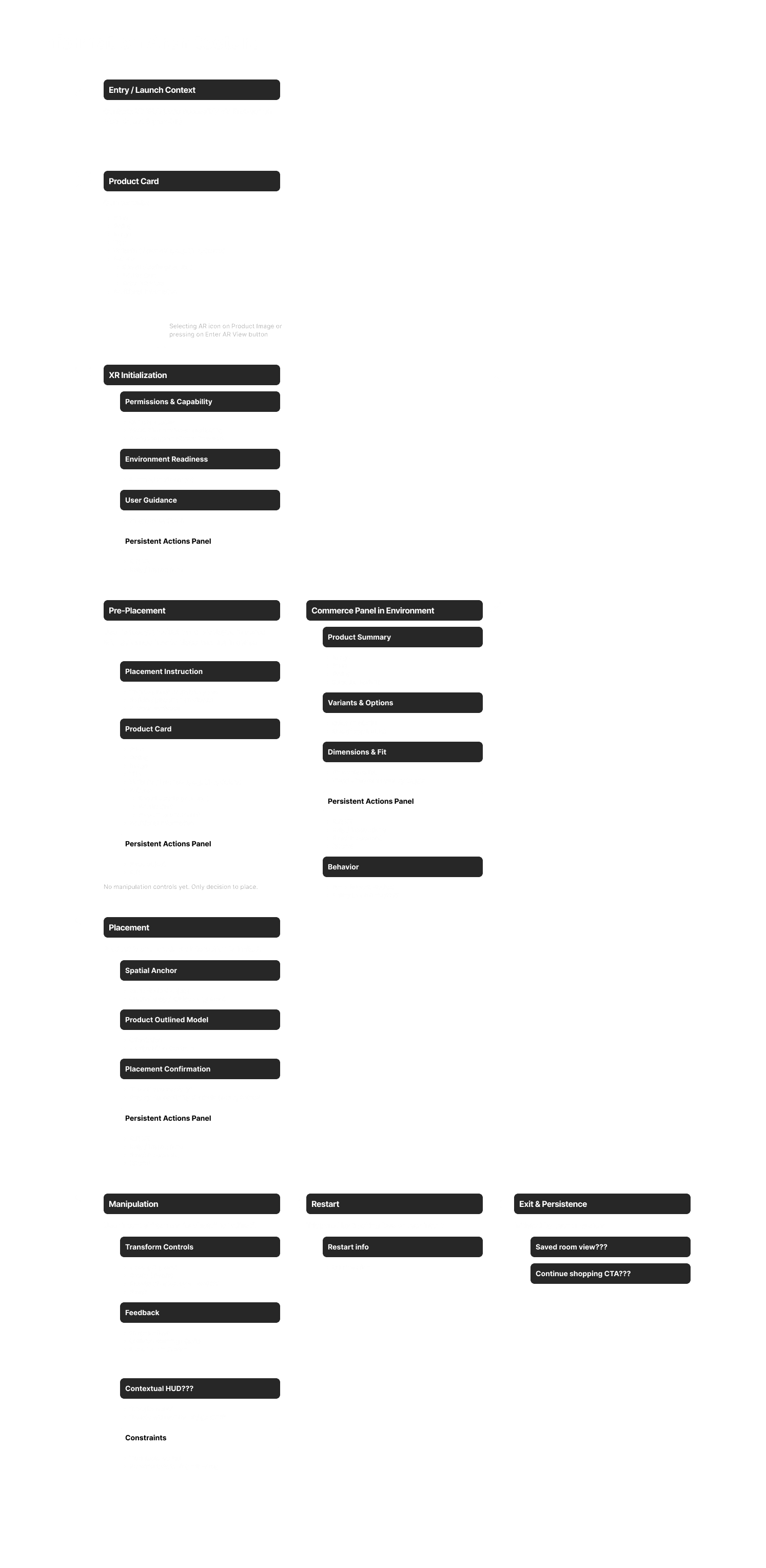
Wireframes
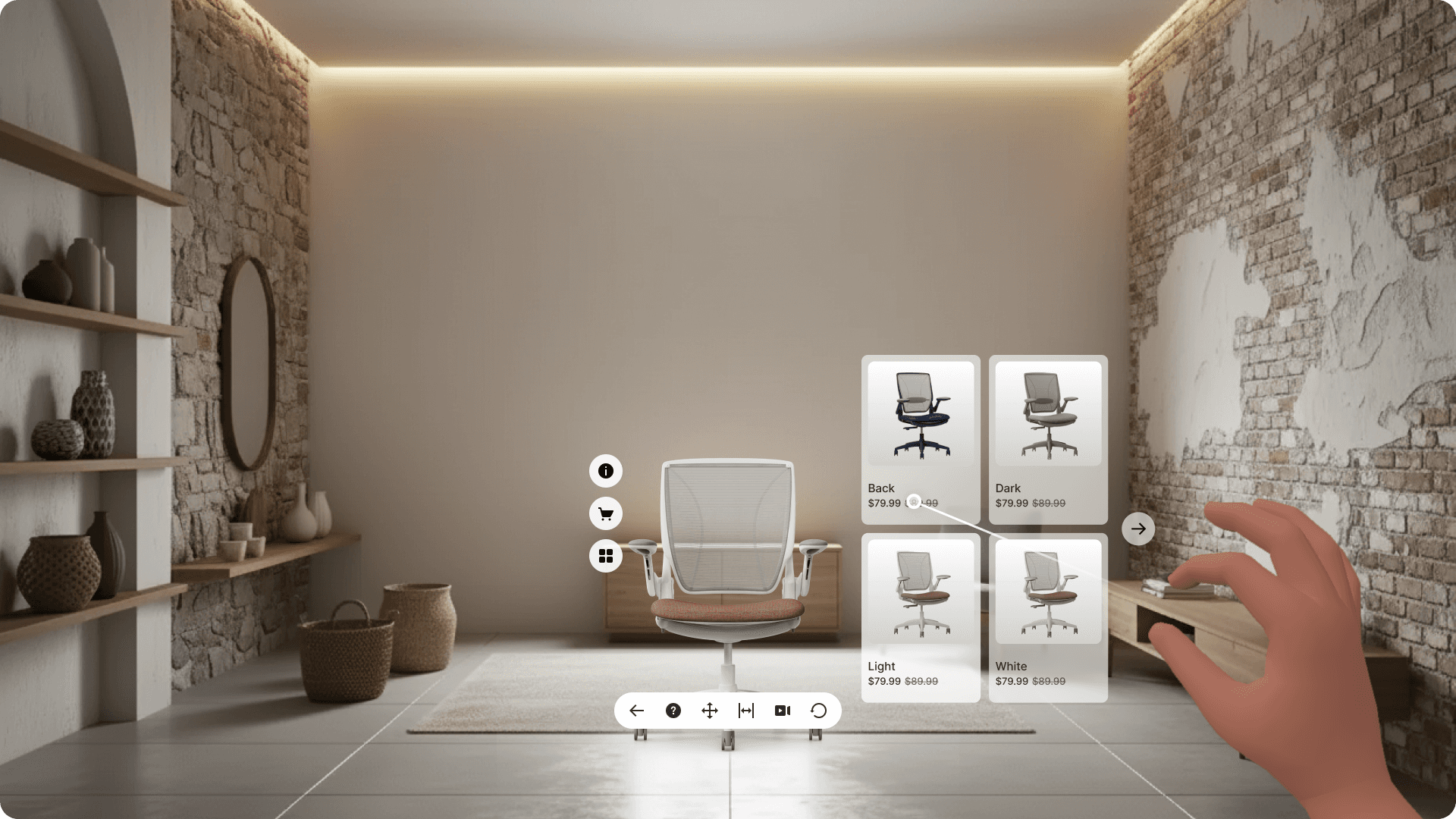
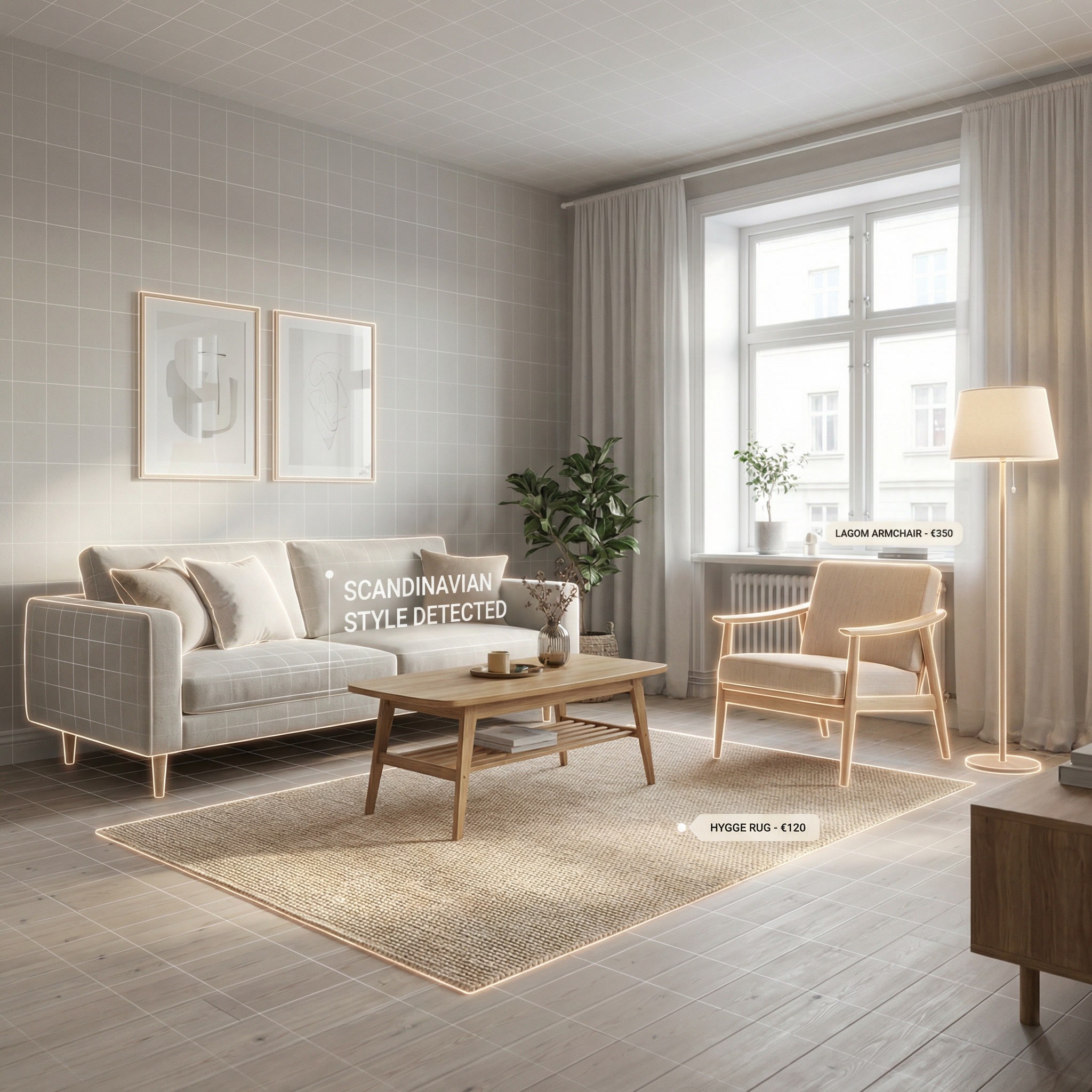
Our wireframing process moved away from traditional low fidelity flat designs and into high fidelity contextual panels. Instead of heavy persistent menus that clutter the field of view, we designed UI that lives with the product. We mapped out a 3-mode journey:
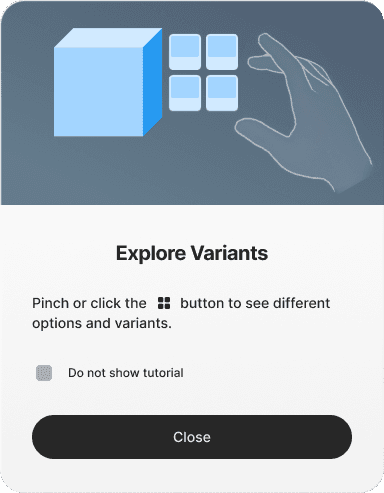
Browse Mode: A sleek, low-effort entry point for scanning the catalog.
Placement Mode: Where the "Spatial Trust" happens—ensuring objects snap to floors and surfaces accurately.
Adjustment Mode: A specialized state for fine-tuning, allowing users to move furniture without needing to "hold" it for extended periods, reducing fatigue.
Accessibility
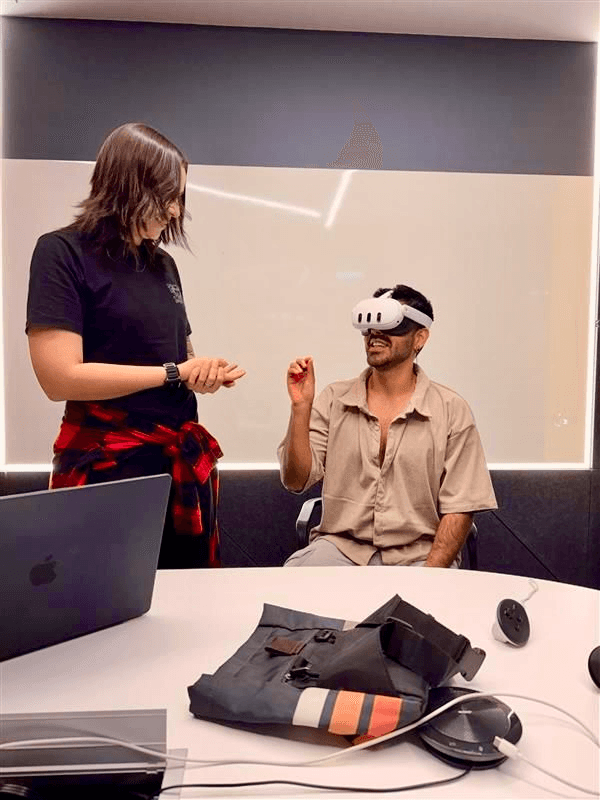
One of the most significant parts of this project was the Accessibility Specification. We pushed for "Accessibility by Default," meaning the core experience had to be usable without toggling hidden settings.
This included:
One-Hand Operation: Ensuring all core flows could be completed with a single hand.
Seated Support: Guaranteeing that users in wheelchairs or those with limited mobility could interact with the room as easily as someone standing.
Visual Clarity: Verifying high-contrast targets and ensuring no critical information was conveyed by color alone.
Proposal
The proposal we pitched to the client wasn't just about a standalone app—it was about a seamless transition from web browsing to a WebXR session. We argued for leveraging Meta's native Horizon OS system-level features rather than reinventing the wheel. The "Magic Link" between a standard mobile browser and the headset was key to creating a frictionless path to conversion.
Final Product
The final output was a high-performance prototype that achieved a solid satisfaction rating in early V1 testing; we delivered a blueprint for:
Dynamic UI Scaling: Menus that adjust based on user distance.
Improved Occlusion: Ensuring virtual furniture looks like it's actually interacting your real-world coffee table, not just floating over it.
Future Innovation: A roadmap that includes AI-driven agentic shopping and room suggestions.
This project proved that with the right mix of user research and spatial engineering, we can make the "future of shopping" feel as natural as walking into a physical store.